Cambridge Audio Earbuds
- Bluetooth socket for Cambridge Audio Earbuds can be accessed by only one application at a time. Close other Cambridge Audio companion or monitoring apps, before using BudsLink.
- Feature availability varies by model.
- Credits to baarkerlounger for contributing the Cambridge Audio Earbuds protocol.
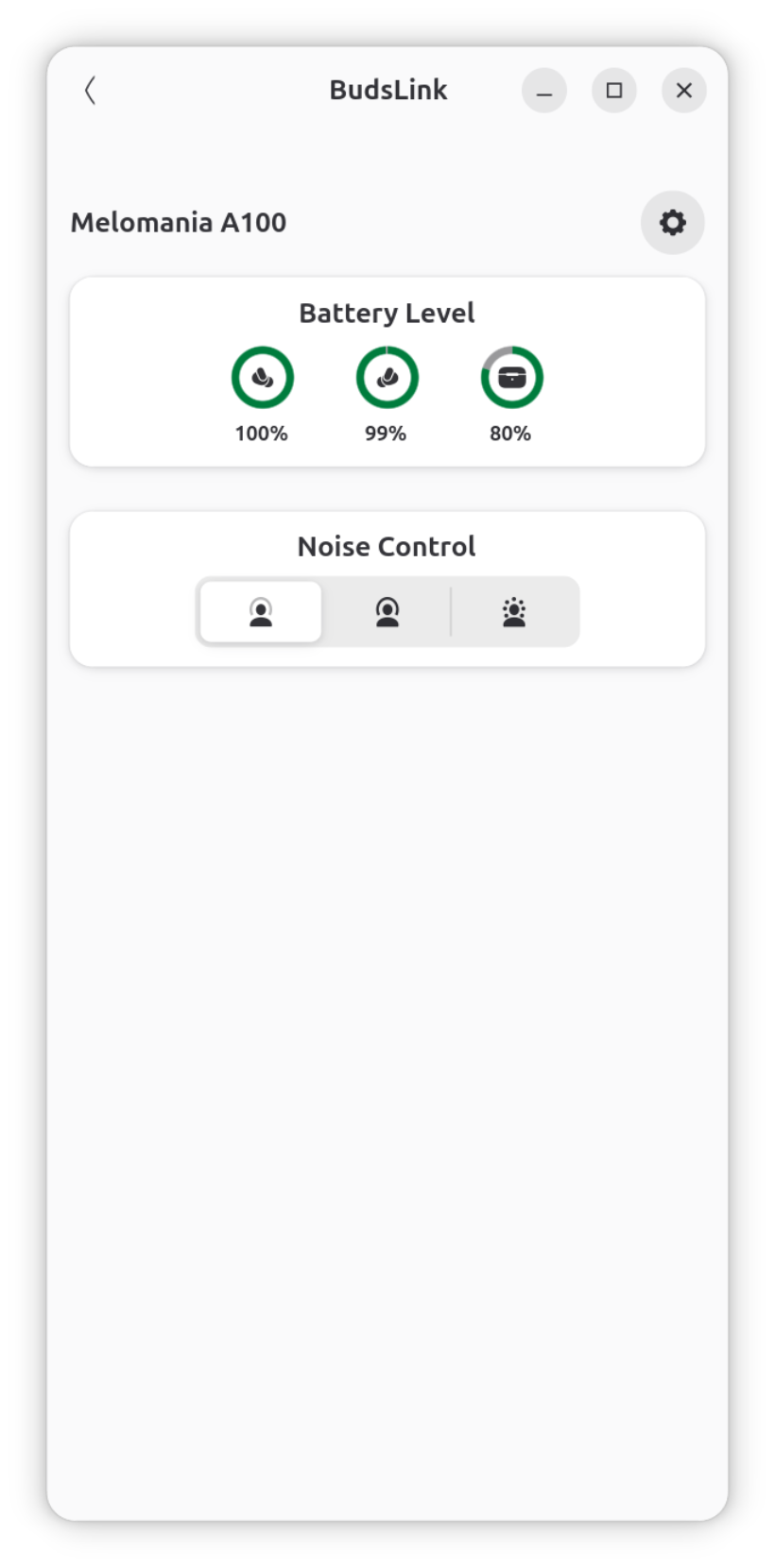
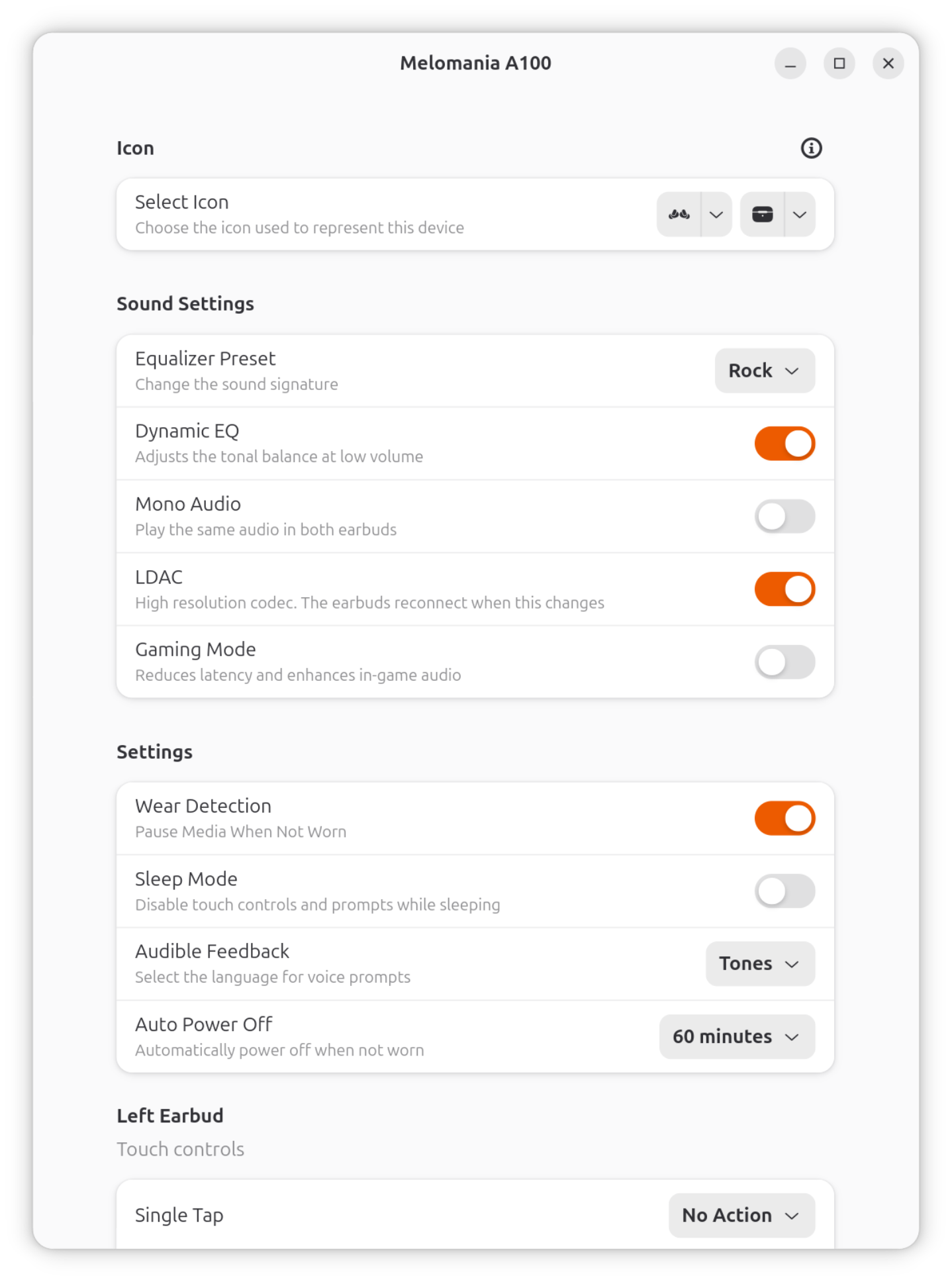
Most settings are self-explanatory and similar to those available on OEM app. Settings specific to BudsLink are explained below.
Icon selection
- Device icons: Select from the available options for your headset type (single-battery or dual-battery devices).
- Case icon: For models that report a case battery, an additional case icon can be selected.
Compatibility
Help update the compatibility list
If your device is missing from the list or you have additional compatibility information, please help improve the documentation by submitting a pull request to the Documentation branch to update this page, or opening an issue with your device model and details of features you tested.
New Device Configuration
If your device configuration is missing, you can request its addition by opening an issue with screenshots of the OEM app and the output of bluetoothctl info <device-MAC> Alternatively, submit a pull request to the main branch with the new device configuration after successful test.
Currently tested and confirmed working:
- Melomania A100 ✅ — Credits: baarkerlounger
Melomania A100
| Feature | Supported | Tested |
|---|---|---|
| Battery Level | L, R, Case | ✅ |
| Equalizer Preset | ✅ | ✅ |
| Dynamic Eq | ✅ | ✅ |
| Mono Audio | ✅ | ✅ |
| Gaming Mode | ✅ | ✅ |
| Audible Feedback | ✅ | ✅ |
| Gestures | ✅ | ✅ |