Application Settings
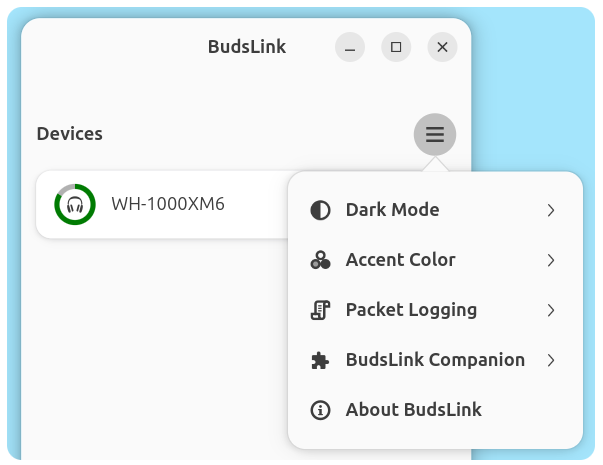
Dark Mode
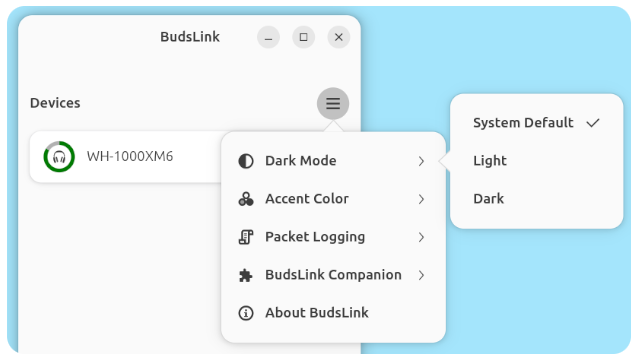
This setting allows you to override the system appearance mode.
- Clicking it opens a submenu with three options: System Default, Light, and Dark.
- System Default follows the current system light/dark preference.
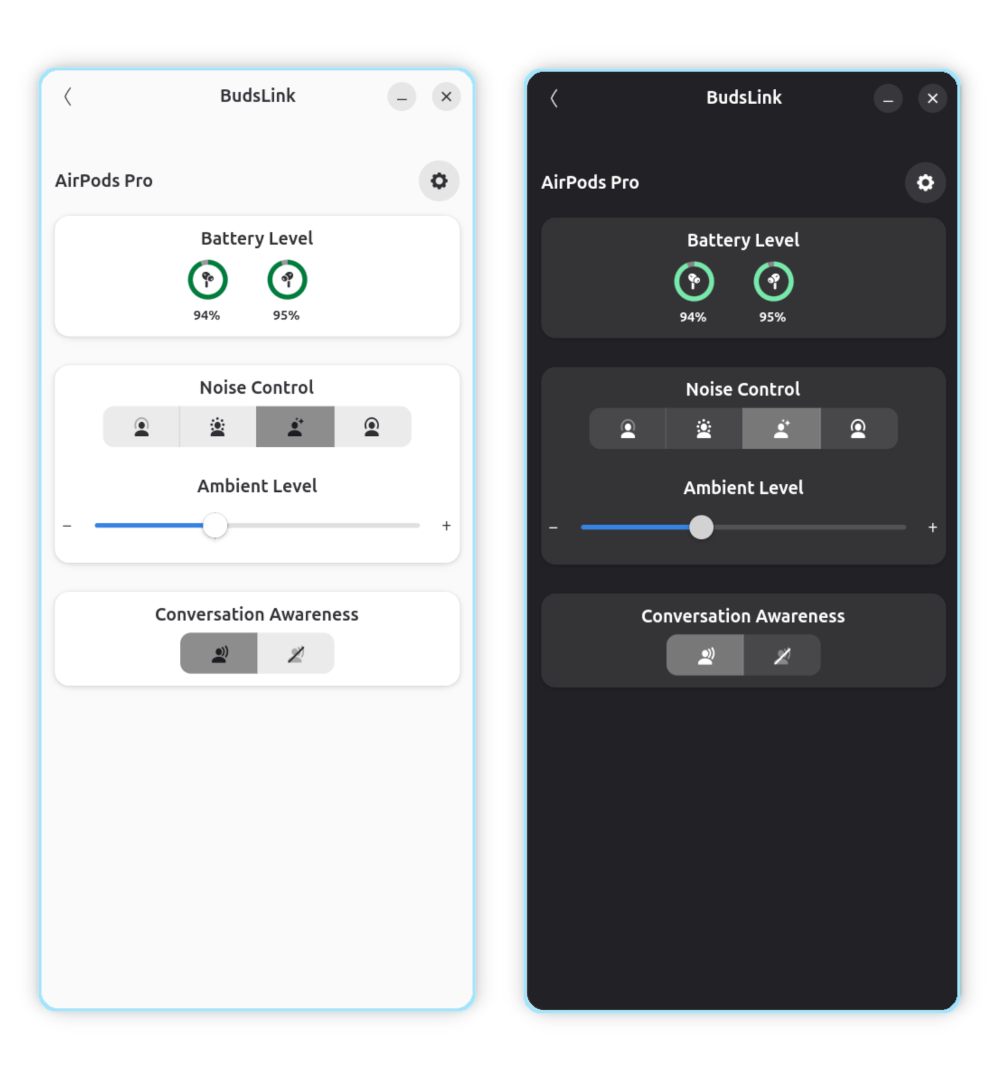
- Selecting Light or Dark forces the app to use that appearance.
- Switching back to System Default requires restarting the app for the change to take effect.
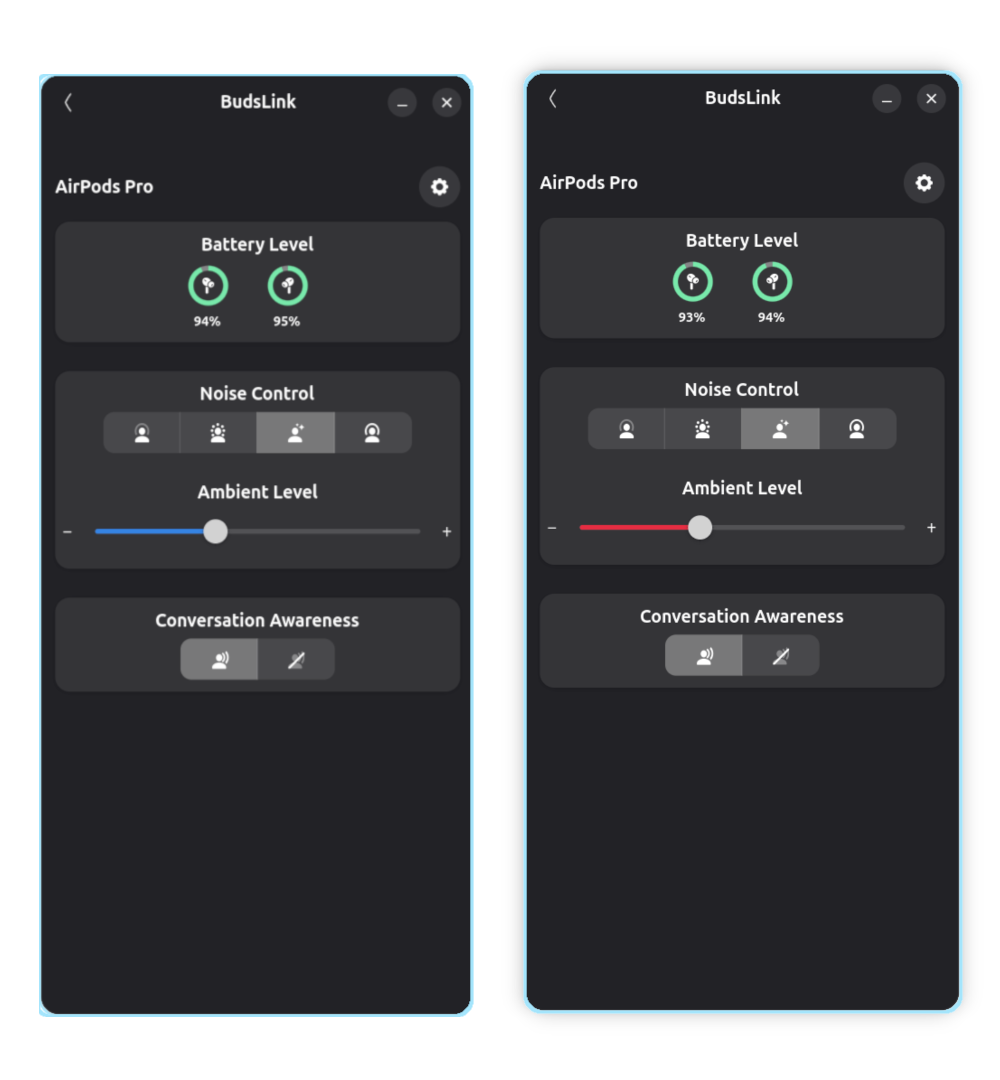
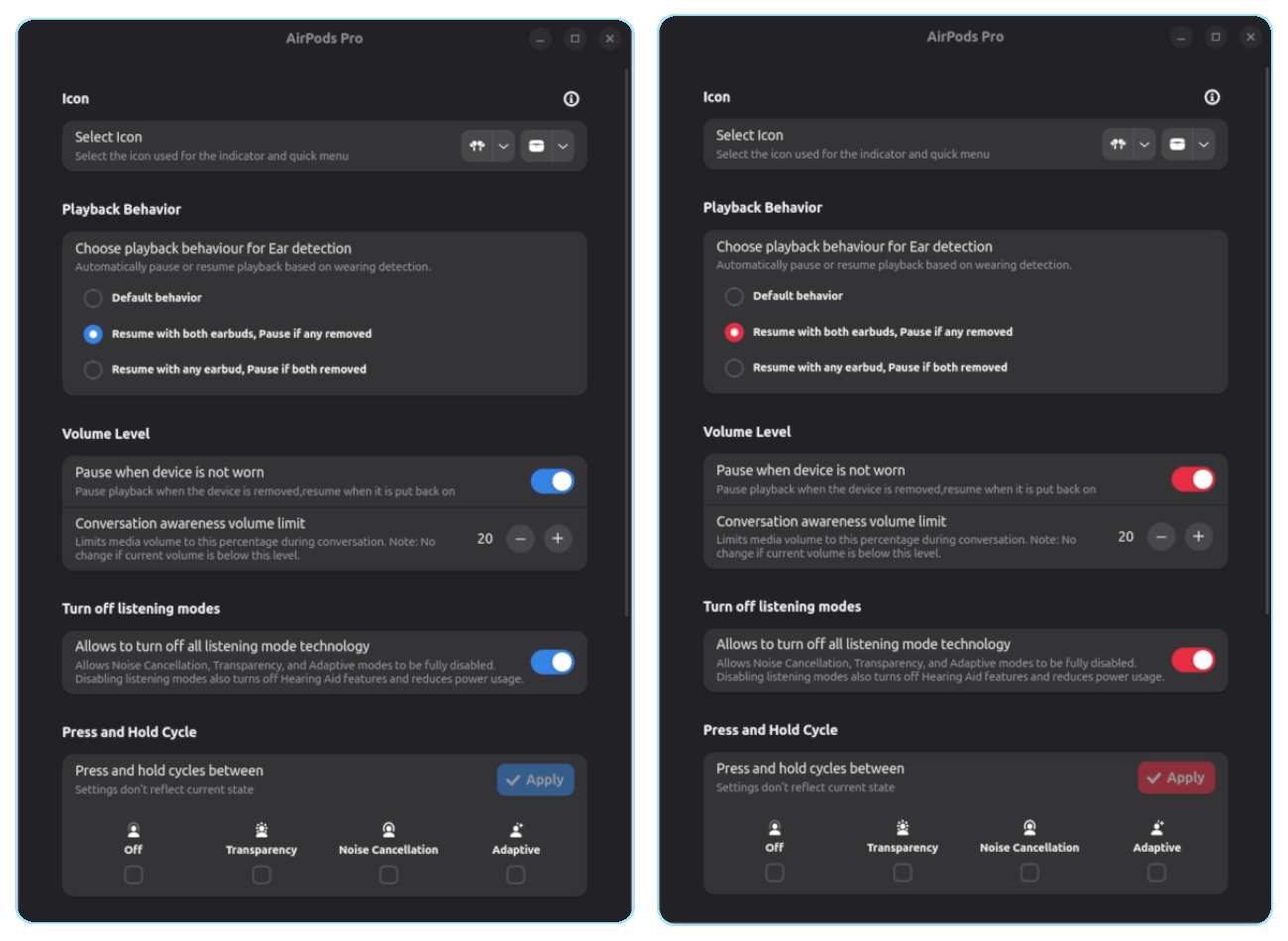
Accent Colors:
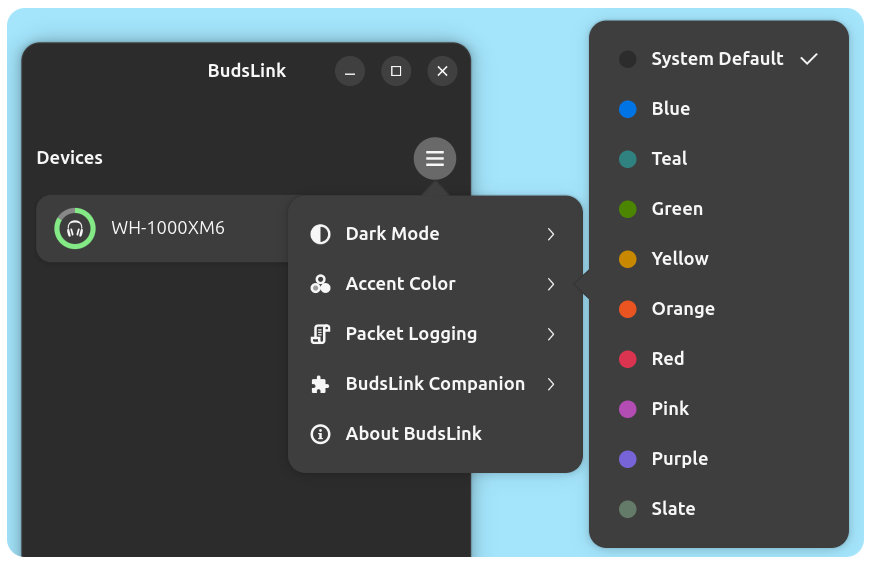
This setting allows you to override the system accent color.
- Clicking it opens a submenu with available libadwaita accent colors and System Default.
- System Default follows the current system accent color.
- Selecting a specific color forces the app to use that accent color.
- Switching back to System Default requires restarting the app for the change to take effect.
Packet Logging:
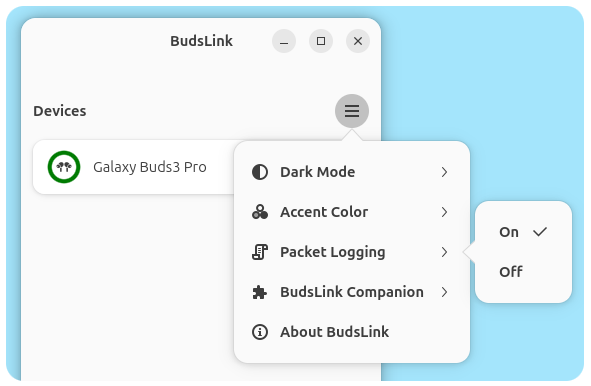
Packet logging is disabled by default. In this mode, the application only records errors and essential runtime information.
When enabled, the application logs packet data sent to and received from connected earbuds. This is useful for debugging connection issues or analyzing device communication.
What gets logged
- Outgoing packets (app → device)
- Incoming packets (device → app)
- Errors and important runtime events
Log file location
Logs are saved inside the application’s data directory.
For Flatpak installations, you can find the log file at:
~/.var/app/io.github.maniacx.BudsLink/.local/state/log/runtime.log
- The exact location may vary depending on your setup / system.