Weblate Guide
Click the Weblate logo below to open the BudsLink project on Weblate.

Getting Started
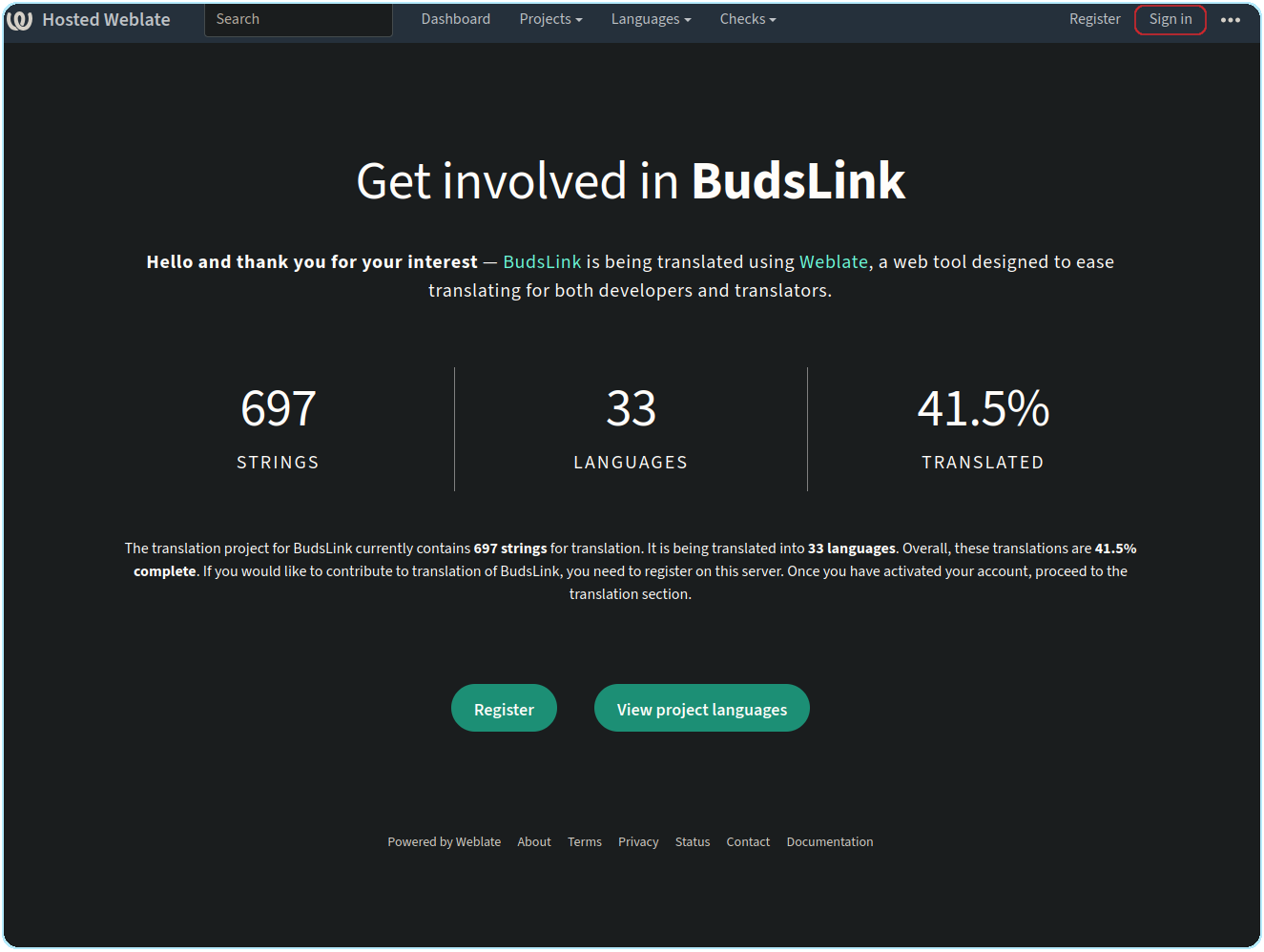
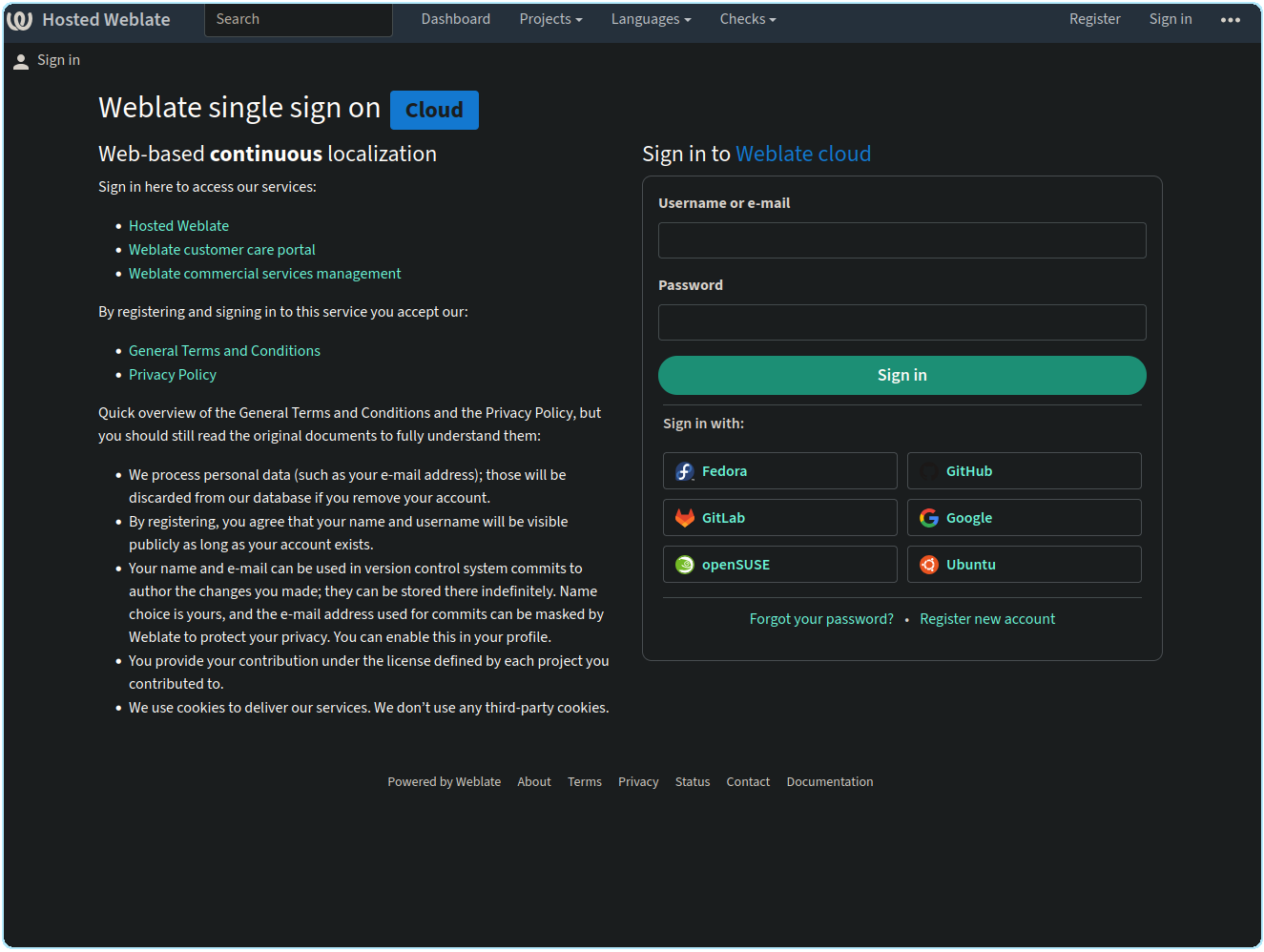
Sign in to Weblate using your GitHub account, or choose another supported sign-in method, such as GitLab. You can also create a Weblate account manually.
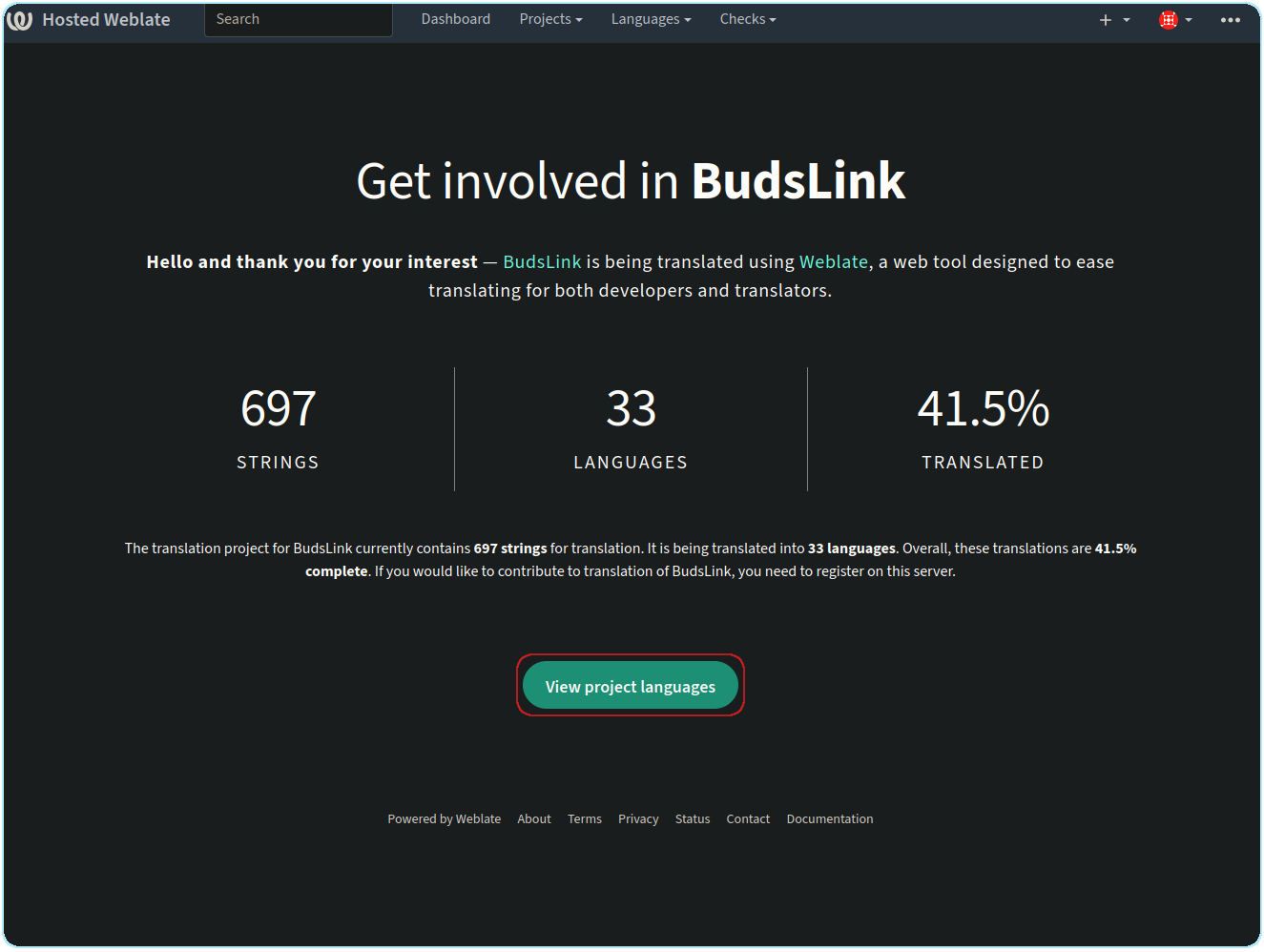
Navigate to the BudsLink project.
Select the language you want to translate.
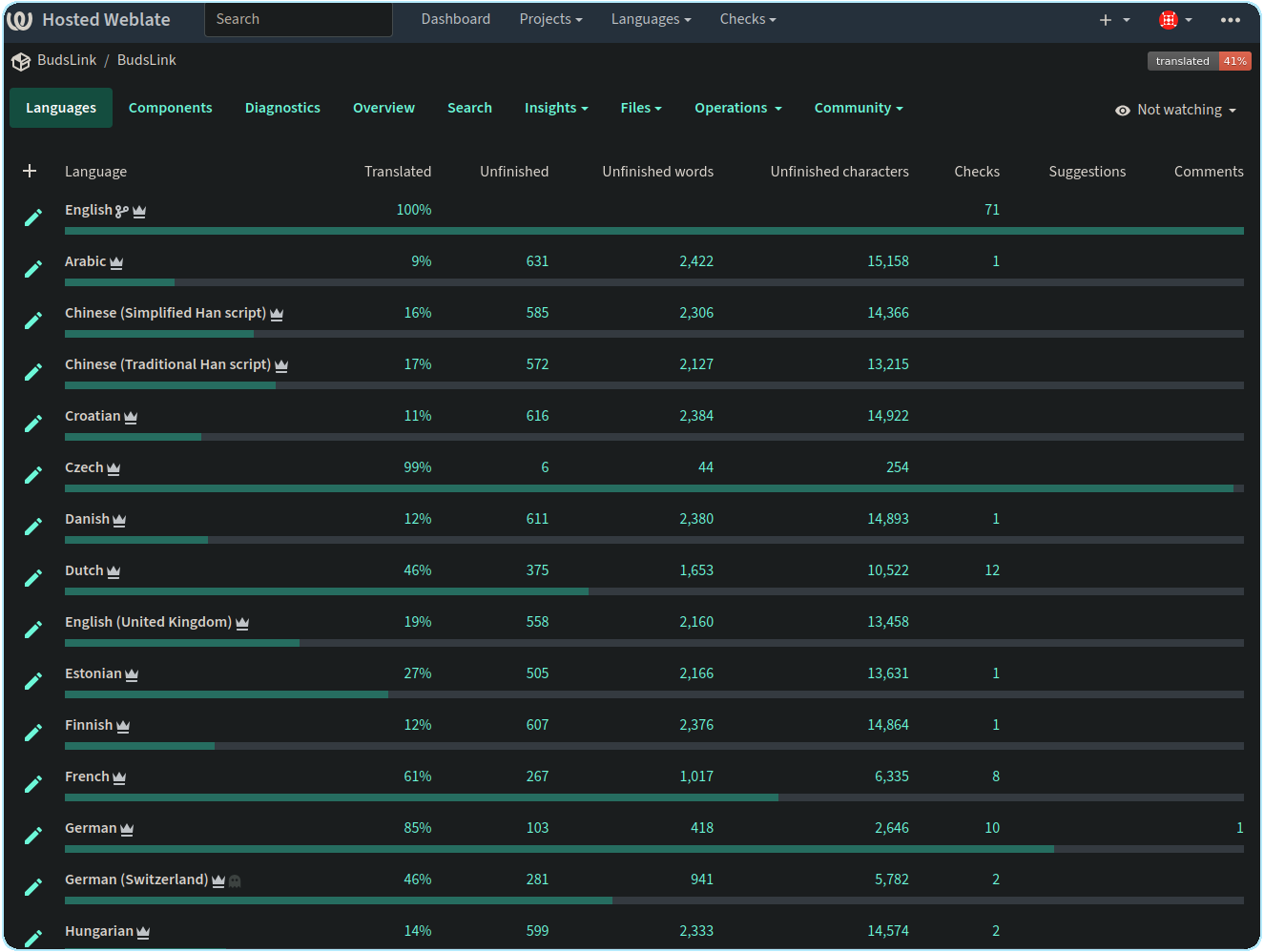
This will show the translation strings for the entire project. The BudsLink project consists of the following components: BudsLink Flatpak app strings Bluetooth Battery Meter GNOME Extension strings BudsLink-Companion Plasma Widget strings BudsLink-Companion Cinnamon Applet strings
Translators are encouraged to help translate the entire project so that all BudsLink components can be localized.
If you only want to translate a specific component, such as the Bluetooth Battery Meter GNOME Extension, navigate to the corresponding component.
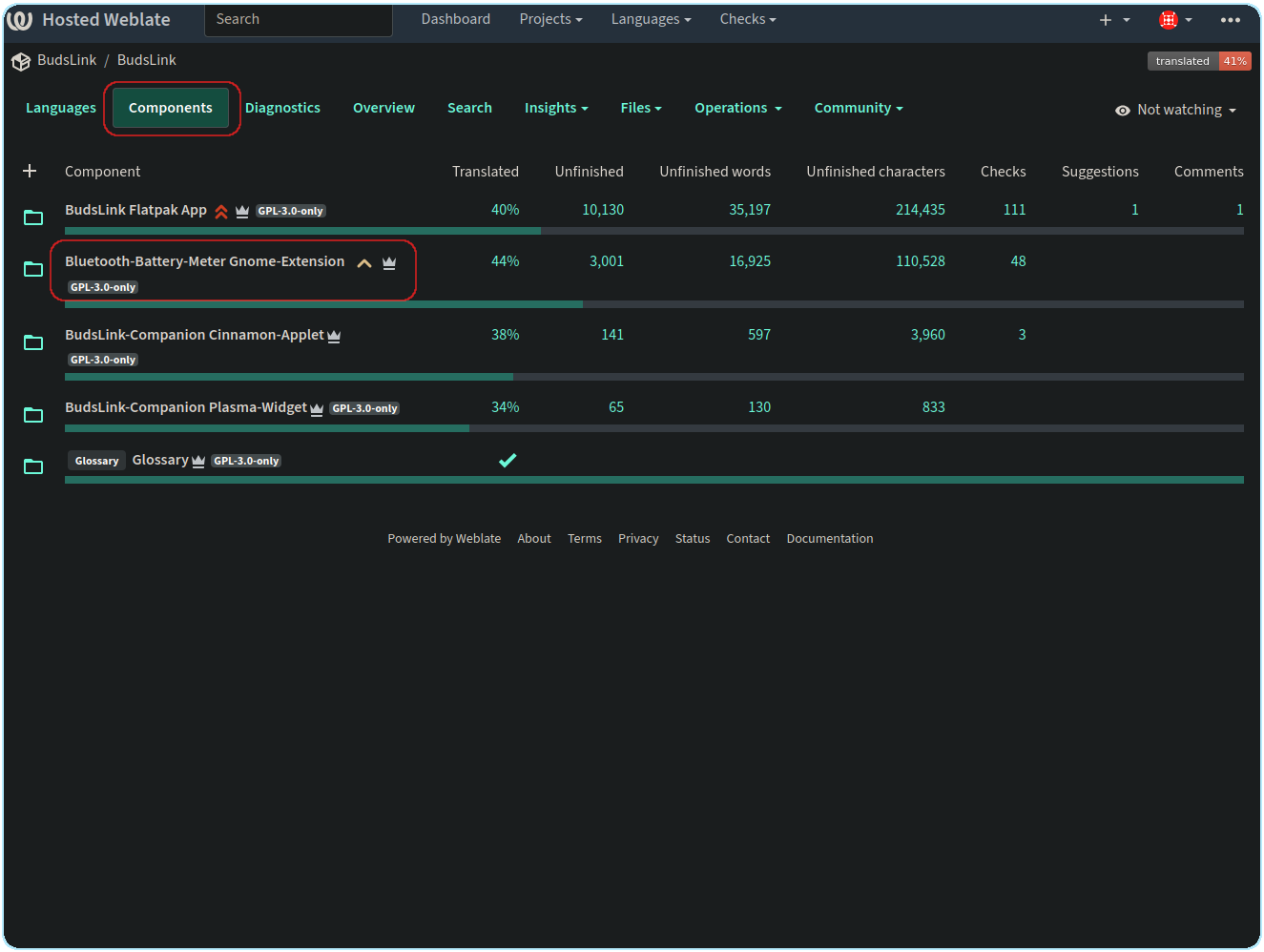
Select the language you want to translate.
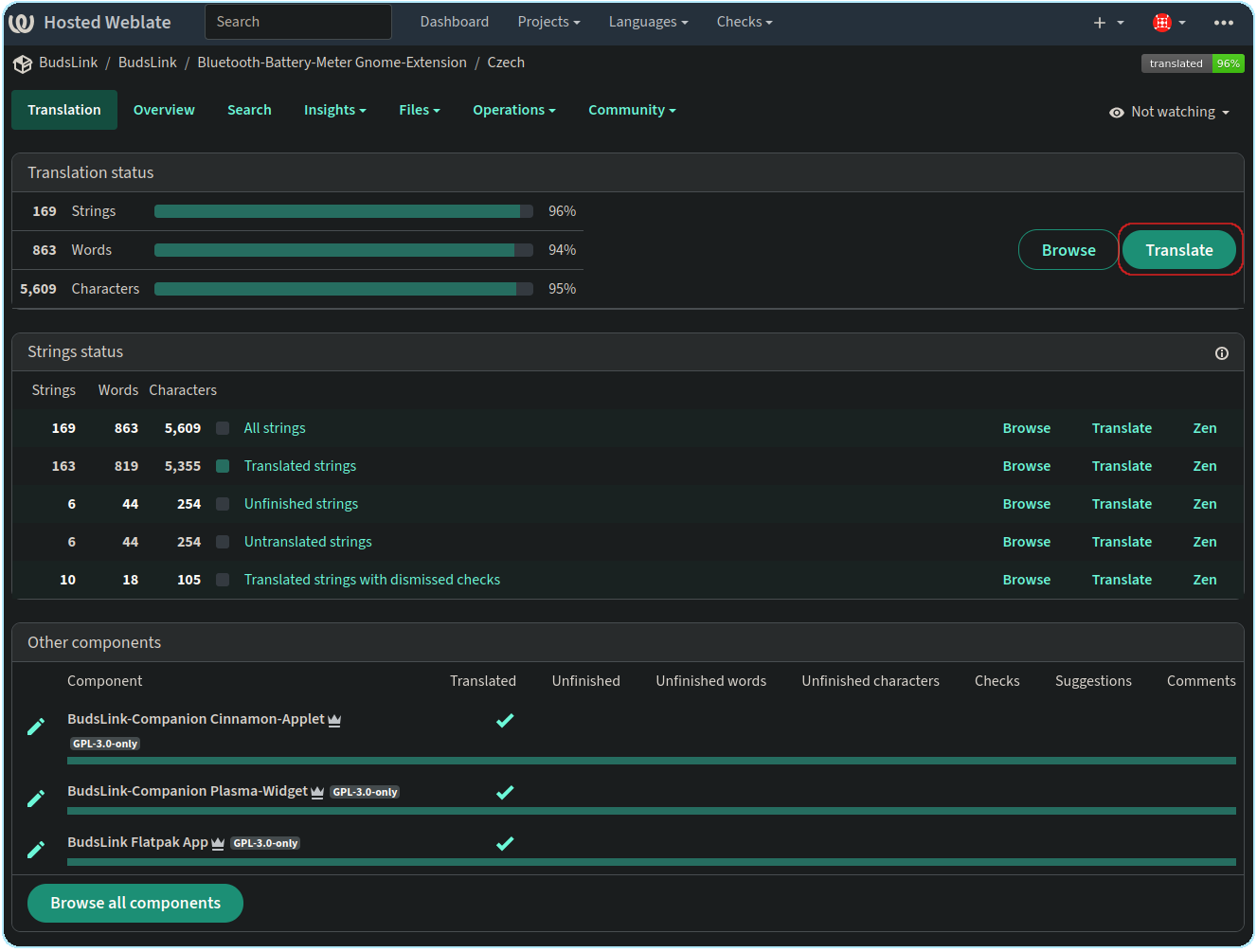
Click “Translate”.
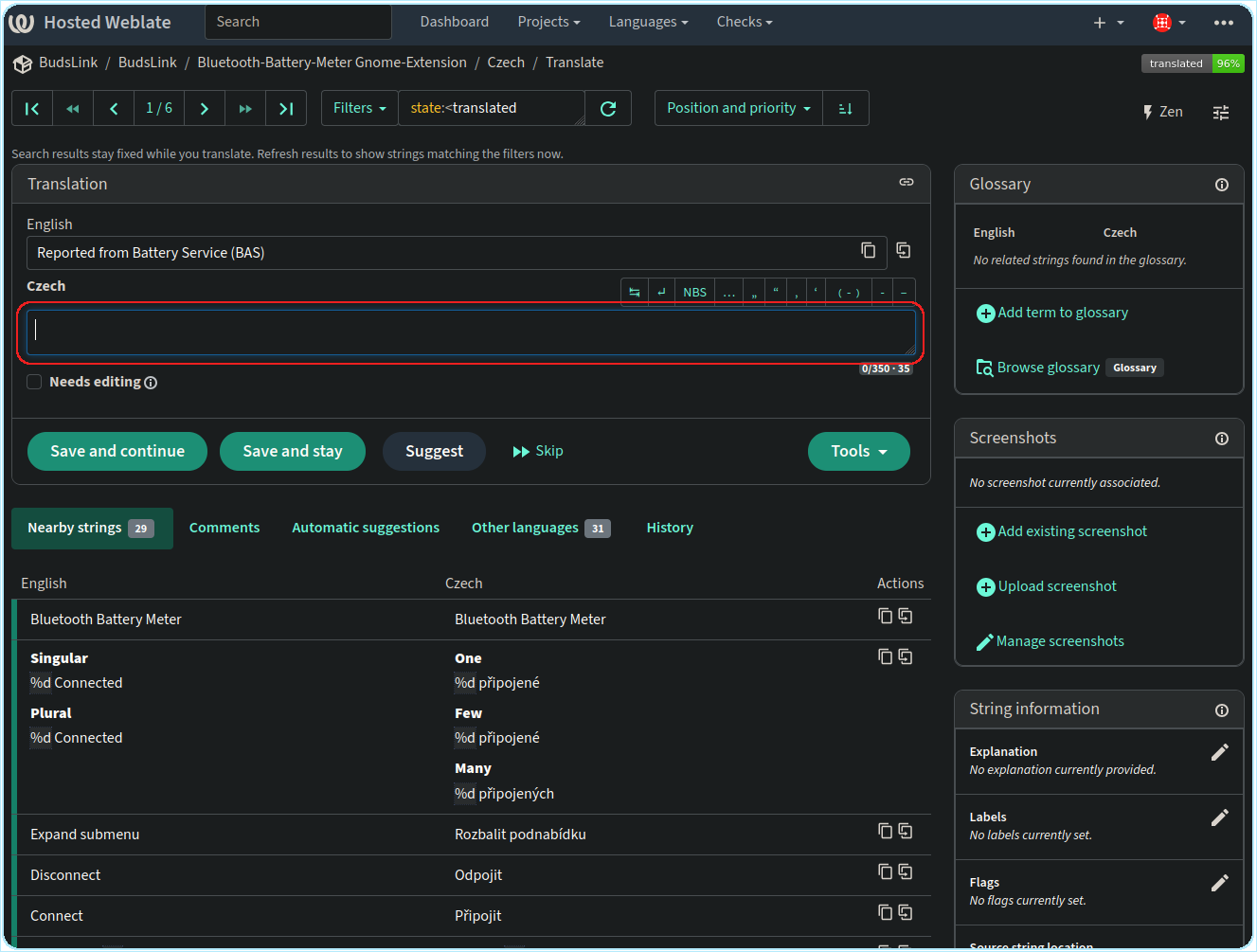
Enter your translation in the translation field.
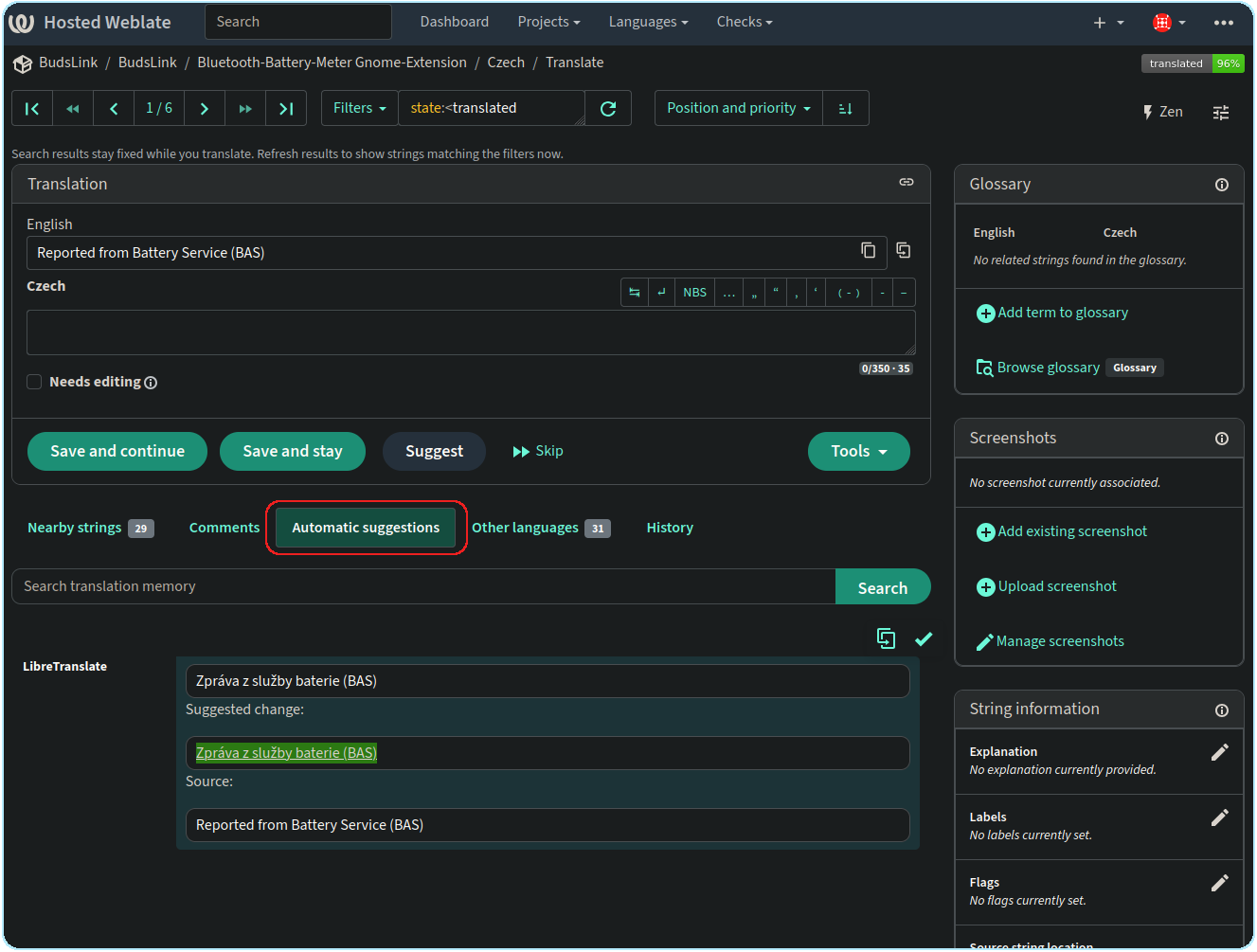
Alternatively, you can use an automatic suggestion if it is correct.
Click “Save and continue” to save your translation and move to the next string.
When you are finished translating, you can simply leave Weblate. There is no need to manually commit or upload your translations. Weblate will automatically push the changes to the BudsLink GitHub repository after 24 hours and create a pull request for the project author to review and accept.