Translation
Thank you for your interest in contributing to this project. Use one of the following methods to create or update translations for your language:
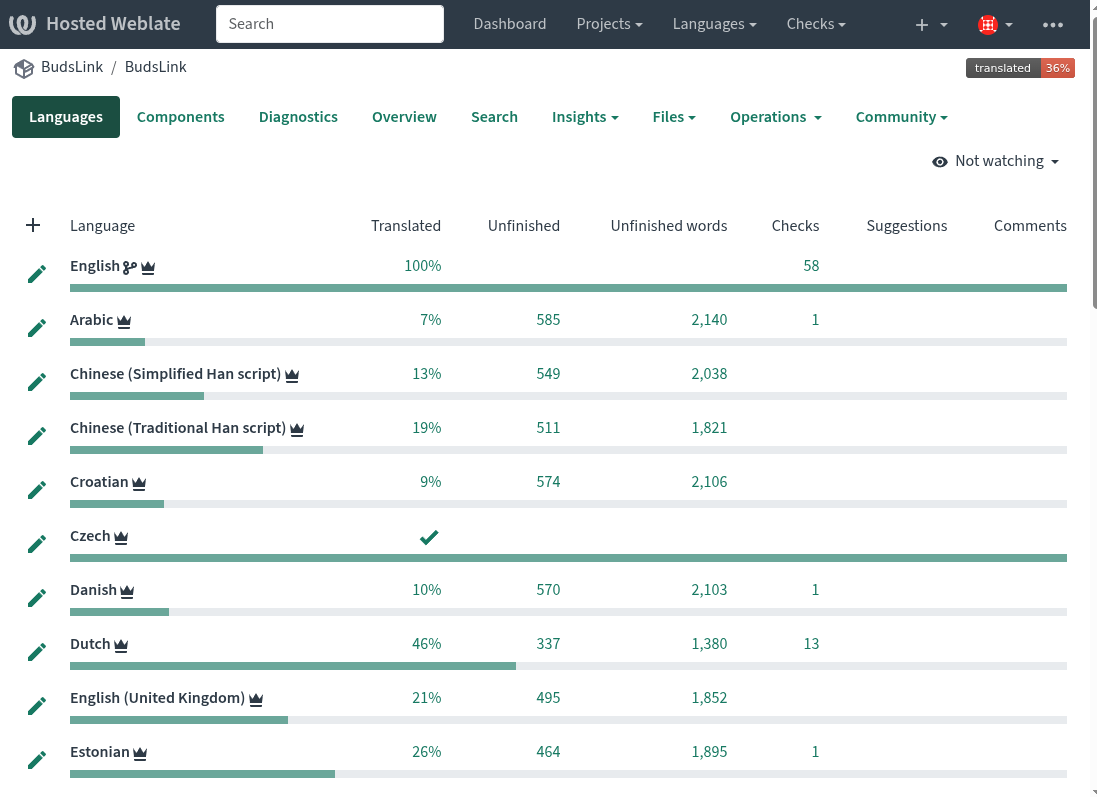
Weblate: Using the Weblate website (Recommended)
Pros:
- Sign in using your GitHub account.
- Translation suggestions are provided.
- Translate the strings, and the translation will be automatically pushed to the project.
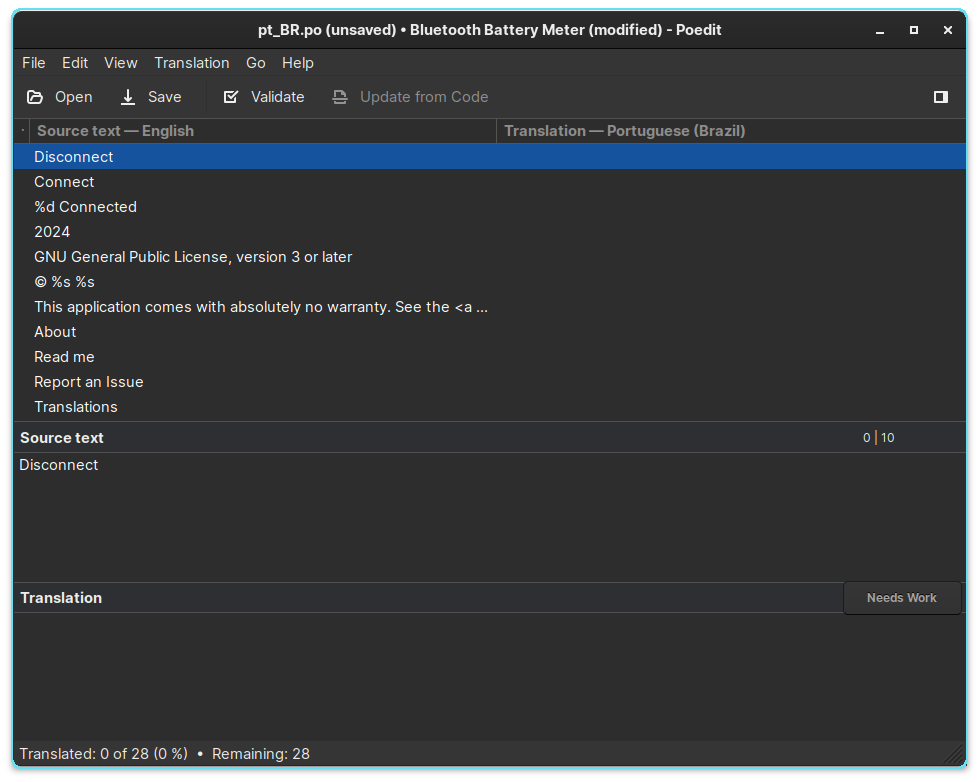
Poedit: Locally using the Poedit software
Pros:
- No registration required.
Cons:
- No translation suggestions; strings must be entered manually.
- Requires installation of the Poedit app.
- Requires manually submitting a pull request.
Translation on Weblate (Recommended)

- Log in with your GitHub account (or sign up manually and sign in).
- Navigate to the BudsLink project and start translating.
- Translators are encouraged to translate the whole project.
- If a translator specifically wants to translate Bluetooth Battery Meter, they will need to navigate to the corresponding component under the project.
Note
The project consists of 4 components:
- BudsLink Flatpak app
- Bluetooth Battery Meter GNOME extension
- BudsLink Companion Plasma widget
- BudsLink Companion Cinnamon applet
Translation Using Poedit
- Downloading and installing the Poedit software on your computer is required.
- It’s fast and easy to interact with.