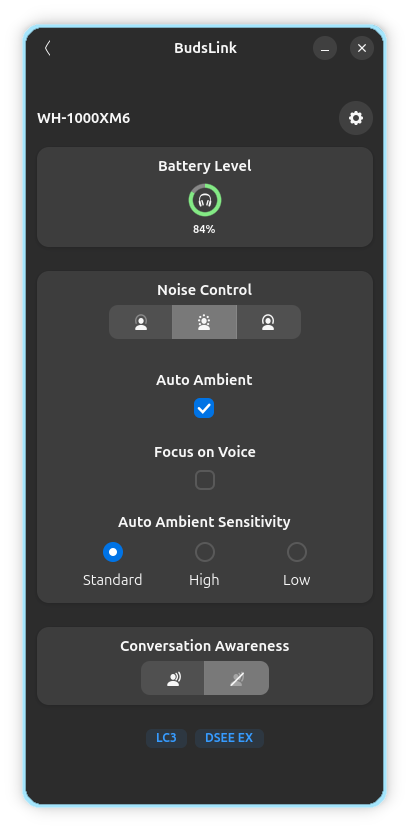
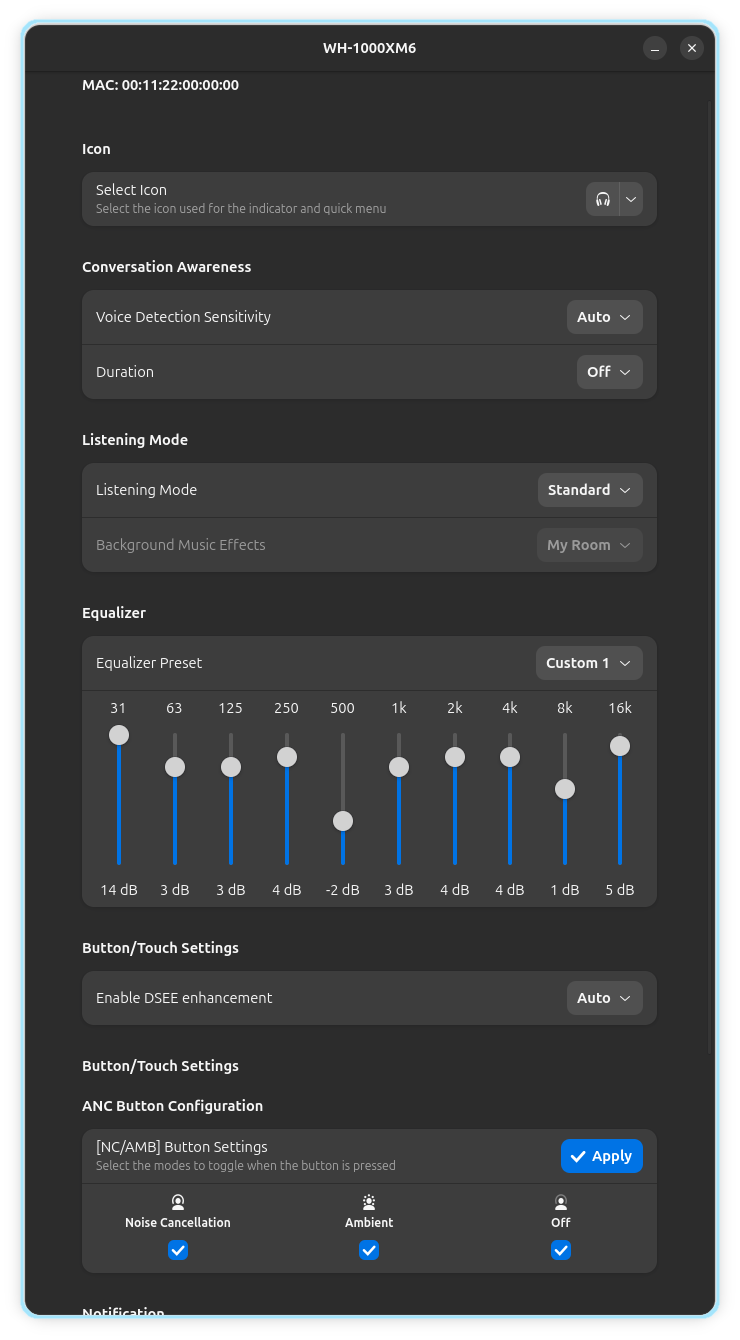
Sony Bluetooth sockets can be accessed by only one application at a time. Do not run other Sony’s companion or monitoring apps while using BudsLink, such as:
SonyHeadphonesClient
Bluetooth Battery Meter GNOME Extension (disable the Sony feature in the extension preferences)
Displays a circular battery widget, supporting either a single battery (headset) or three separate levels for Left, Right, and Case.
The case battery is shown only when the Sony report it, usually when the case is charging or when at least one bud is inside.
Conversation Awareness in Sony term is Speak to Chat.
Only certain Sony models support ANC mode.
Some models support ANC but not Ambient mode.
Some models also support Conversation Mode.
Icons:
Anti-Noise Cancellation (ANC)
Anti-Noise Cancellation Off
Anti-Noise Cancellation On
Ambient
Adaptive
Conversation Awareness (Speak to Chat)
Conversation Awareness On
Conversation Awareness Off
Features
App can detect Sony Headset/Earbuds among connected Bluetooth devices.
It communicates over RFCOMM sockets to support features such as:
Battery level reporting
Control of ANC (Active Noise Cancellation) / Ambient mode (if supported)
Conversation Awareness mode (if supported)
Adaptive noise level customization (if supported)
Configure Stem/Touch, Equalizer, Notifications etc.
Configuration by Device
Configure per device settings if supported
Icon selection
Device icons: Select from the available options for your headset type (single-battery or dual-battery devices).
Case icon: For models that report a case battery, an additional case icon can be selected.
Other settings:
Other settings are self explanatory similar to settings available in Sony’s Sound Connect app.
Compatibility
Some devices have not yet been tested and may show incorrect features in the configuration. Others may be missing entirely. If you notice missing devices or incorrect feature mappings, please open an issue on GitHub so we can add or correct them.