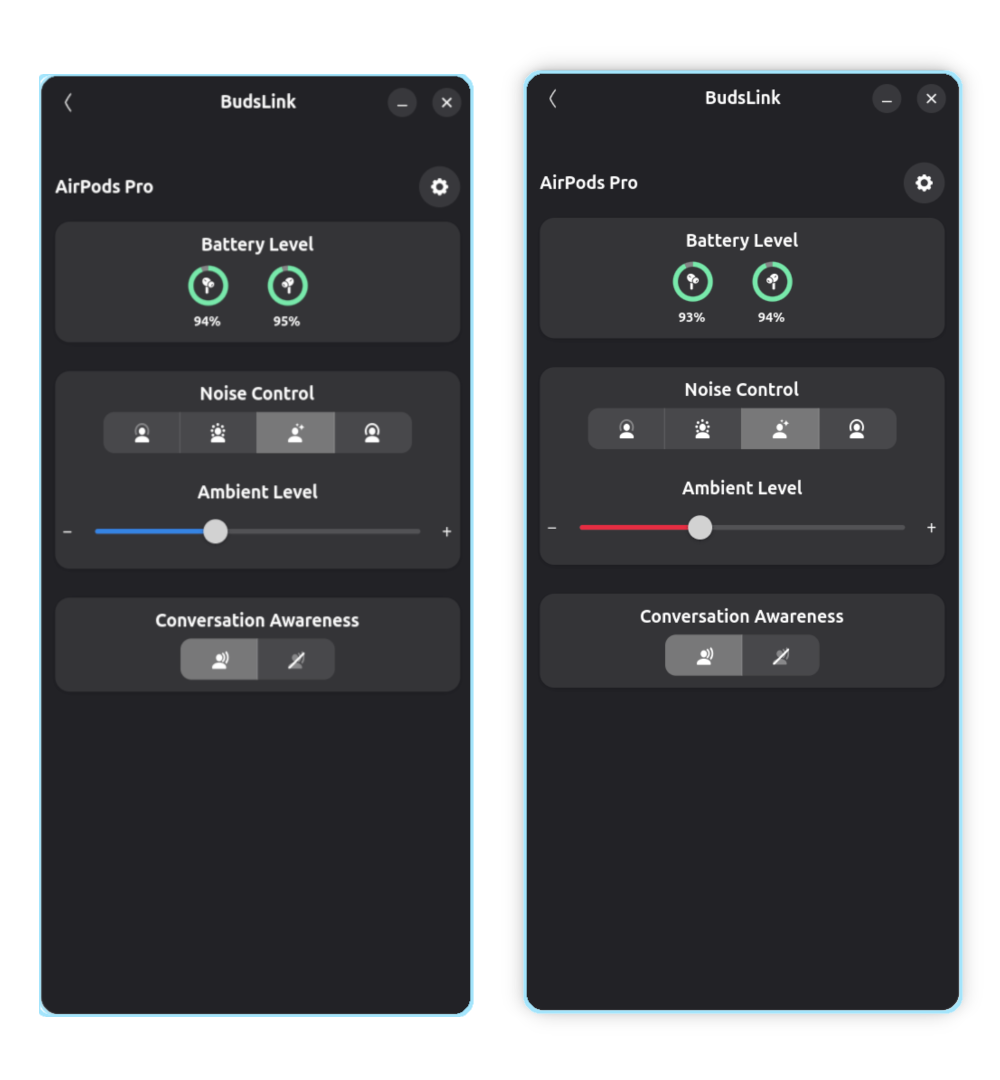
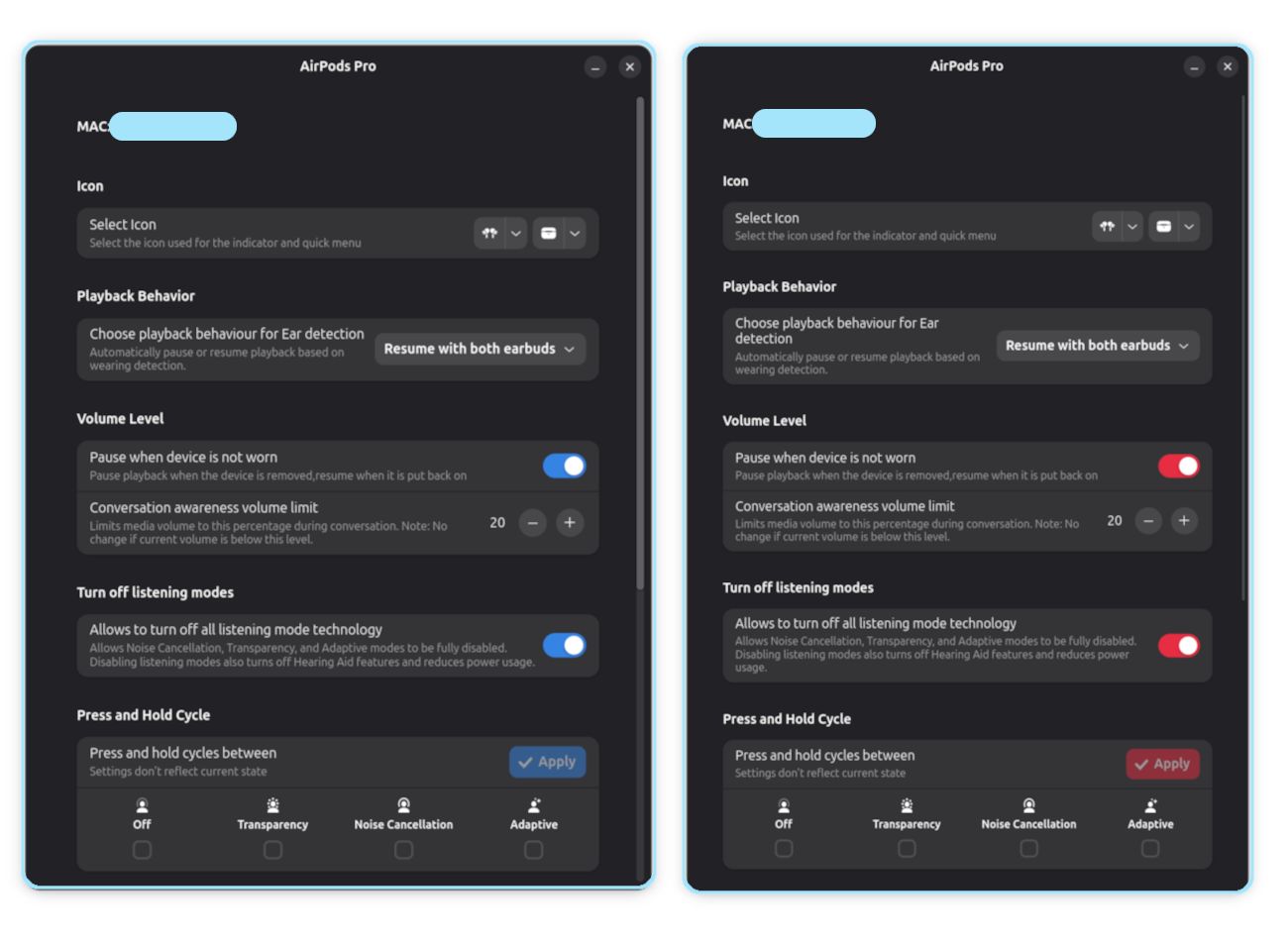
Application Settings
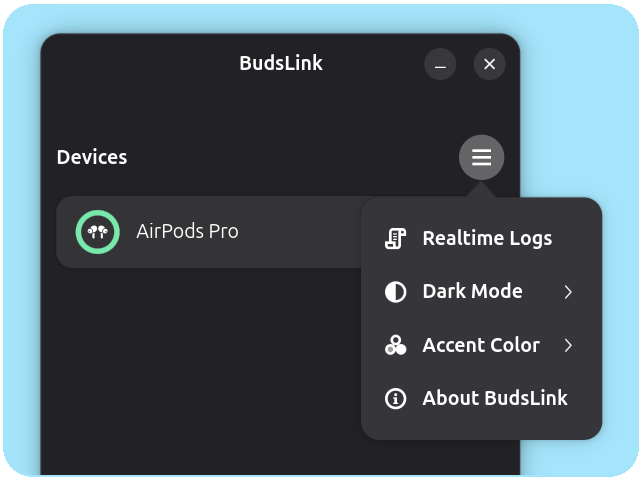
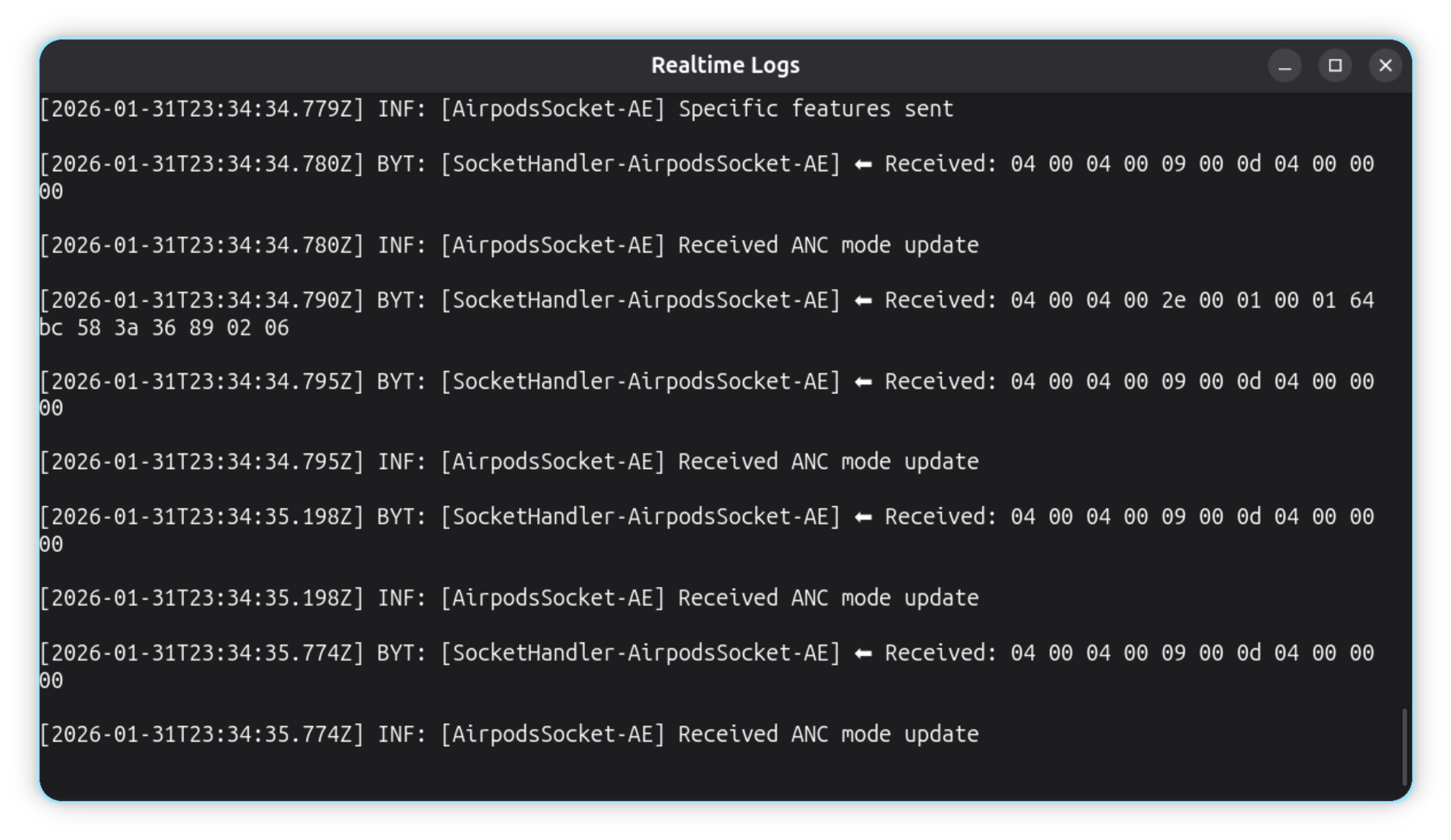
Realtime log
Clicking this menu opens a real-time log window showing socket traffic, useful for packet analysis and debugging.
Dark Mode
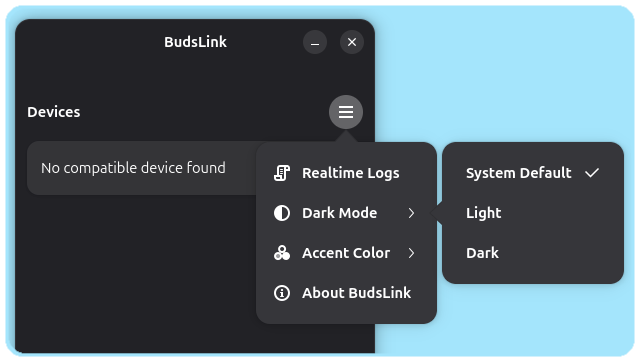
This setting allows you to override the system appearance mode.
- Clicking it opens a submenu with three options: System Default, Light, and Dark.
- System Default follows the current system light/dark preference.
- Selecting Light or Dark forces the app to use that appearance.
- Switching back to System Default requires restarting the app for the change to take effect.
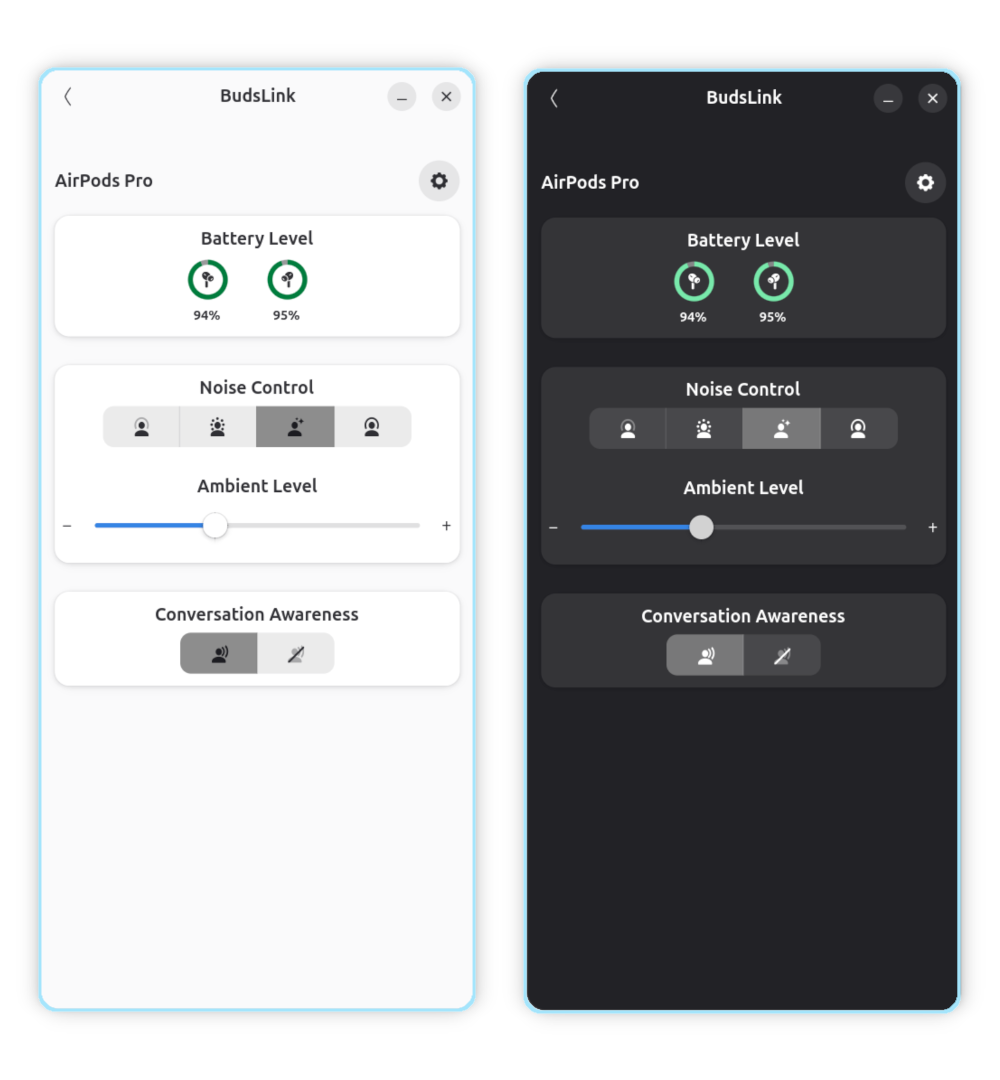
Accent Colors:
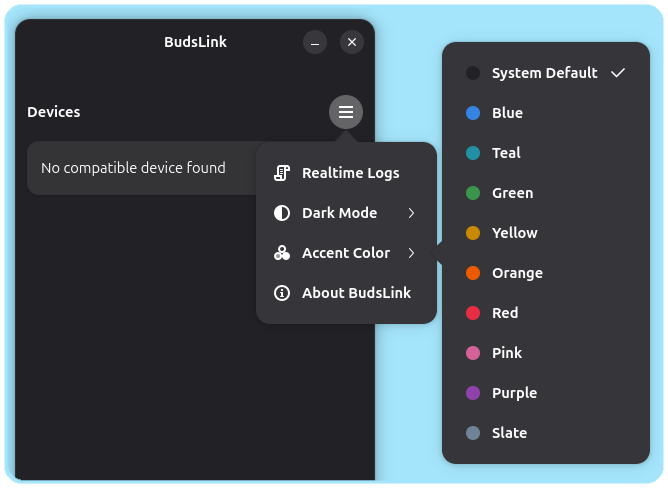
This setting allows you to override the system accent color.
- Clicking it opens a submenu with available libadwaita accent colors and System Default.
- System Default follows the current system accent color.
- Selecting a specific color forces the app to use that accent color.
- Switching back to System Default requires restarting the app for the change to take effect.